

Mobile UCaaS Features Built for Field Workforces
Built around the way your teams
already work
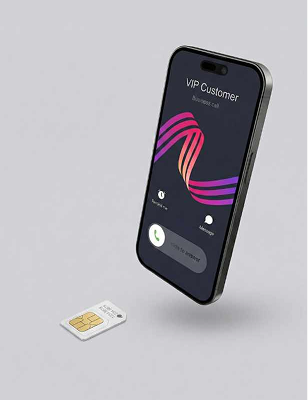
Mobile+ SIM
Business calling features built directly into a physical SIM - no additional equipment required.
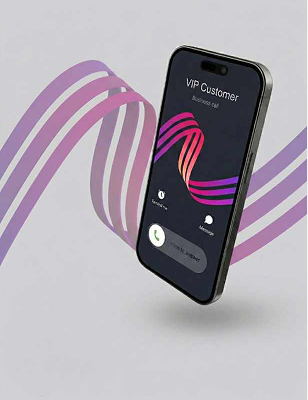
Mobile+ eSIM
Business calling features built into an eSIM for compatible devices - no physical SIM swap needed.
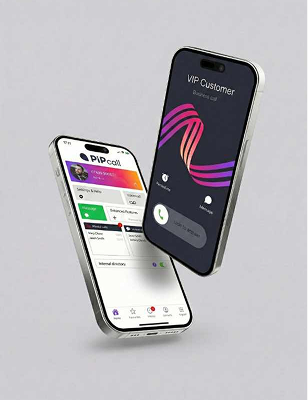
Mobile+ App
Access your business phone system through the Mobile+ app where a SIM change isn’t required.
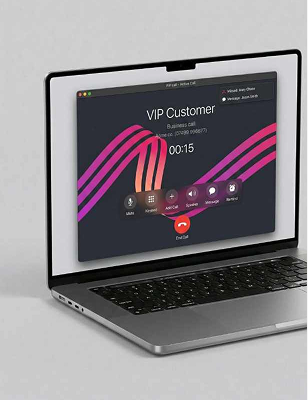
Softphone
Make and receive calls from your laptop or computer using a simple softphone app.
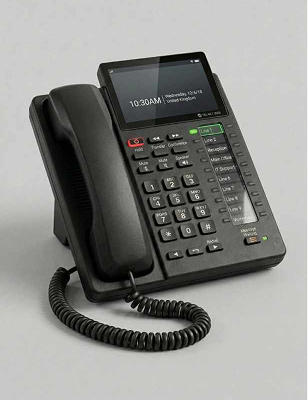
Desk phone
Integrates with most desk phones. It should be possible for us to switch your phone without physical interaction.
For SIM and eSIM users, calls are made through your phone’s native dialler - not a separate calling app – so the experience stays familiar.
Desk phone calling, built into mobile
When work is over, calls follow your out-of-hours rules
Be free from your work calls that intrude on personal life, Business Hours will allow calls only when you want and follow your rules when you don't.

Automatic time-based rules
Your number can automatically redirect to voicemail when operating hours come to an end, One less thing to remember.

Let the out-of-hours team handle the call
Alternatively, rules can allow you to redirect the call to a specific user or group when your business is closed.

Route customers to the right team to handle their needs
By setting up IVR (Interactive Voice Response), customers interact with a routing system that guides them to the right team.
Route calls to Ring Groups
As your business grows, combine IVR with a Ring Group to ensure that you are never overwhelmed by high call volumes.
Only answer a call that concerns you
IVR routes ensure that when your phone rings, you are the right person for that call. This prevents wasted time spent answering calls that would be better suited to a colleague

When answering the call is vital, simultaneously ring multiple users
Ring groups can ring several devices at once or one at a time, so you can be confident that someone will always be on hand to answer.

Build call flows that obey your rules
By combining ring groups with an IVR you can create a flow that guides customers to the right team, whether that's one user or many.

Cut the cord to your desk
A Ring Group allows you to be truly free and on the move. You can answer business calls on your mobile or have the confidence they will be routed to someone who is available.

One business number, shared by the whole team
Give customers one number to save. Calls can ring multiple users, so they reach whoever’s available — without exposing personal mobiles.
Keep one caller ID
Everyone calls out as the business, not from personal numbers.
Never miss a call
Route call-backs to the right person, team or rota.

Record mobile business calls — automatically
Capture business calls on mobile so supervisors can review, coach and stay compliant.

Built for compliance
Role-based recording with clear user controls, secure access, and retention rules that can align to your internal policy.

Review and coach
Turn real calls into measurable improvements with fast retrieval, structured reviews, and consistent coaching across teams.

Handle calls properly — from your mobile
Put callers on hold, transfer to a colleague, or bring someone in — without leaving the native dialler.

Transfer with confidence
Move calls to the right person or team in seconds, without dropping the customer or forcing a call-back.

Keep service flowing
Place calls on hold during site checks or handovers, then resume smoothly so conversations stay professional.

See All Features
Mobile+ has a broad range of features comprising the UK’s most advanced business mobile service.


