
MOBILE UCAAS SIM & ESIM
Business calling on your personal phone
Mobile+ SIM and eSIM turn company and personal mobiles into business phone extensions. Users make and receive work calls from the phone’s native dialler, while business identity, call handling and recording stay connected to your UC phone system.
As seen in



BYOD FRIENDLY
Built for business mobile deployment
Mobile+ SIM and eSIM give businesses flexible ways to connect mobile users to their UC phone system, whether devices are company-owned, personal, or used in a dual-SIM setup.
- Make business calls from the native mobile dialler
- Present the company number
- Receive business calls on mobile
- Access phone system features on the move
- Keep work and personal calling separate where needed
FLEXIBLE DEPLOYMENT
Business devices or personal devices — Mobile+ supports both
Mobile+ can be deployed on company-owned mobiles or added to personal devices, depending on how your teams work.
For personal mobile devices
On a personal mobile
A Mobile+ business line sits beside the personal one on an employee's own phone, and the personal line never reaches the platform. Shown here on the app; eSIM, SIM or the app is your choice on any phone.
For business mobile devices
On a company mobile
A company handset carries its Mobile+ business line straight into the platform — the same one behind the desk phone and softphone. Shown here on an eSIM or SIM; eSIM, SIM or the app is your choice on any phone.
Built around the way your teams already work
One business phone system — deployable on SIMs, eSIMs, personal mobiles, desktops and desk phones. All connected. No change in behaviour.
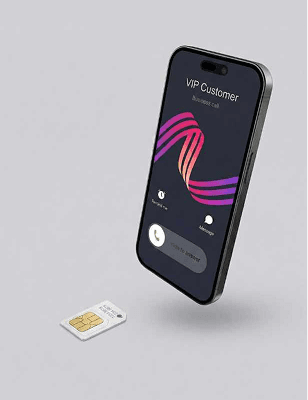
Mobile+ SIM
Business calling features built directly into a physical SIM - no additional equipment required.
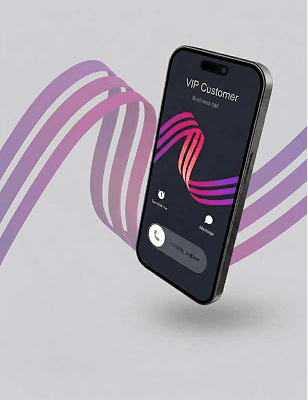
Mobile+ eSIM
Business calling features built into an eSIM for compatible devices - no physical SIM swap needed.
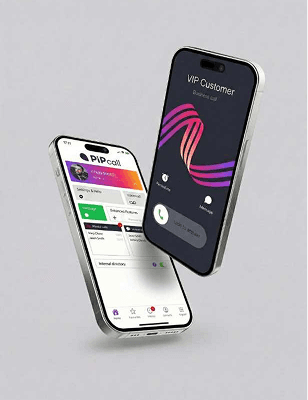
Mobile+ App
Access your business phone system through the Mobile+ app where a SIM change isn’t required.
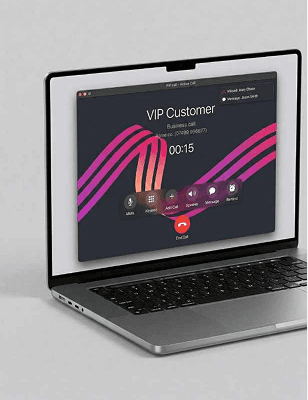
Softphone
Make and receive calls from your laptop or computer using a simple softphone app.
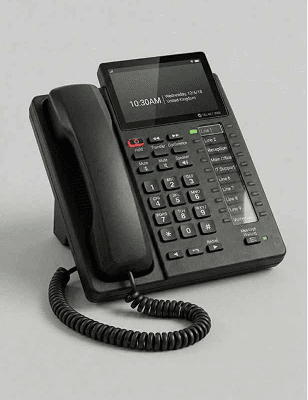
Desk phone
Integrates with most desk phones. It should be possible for us to switch your phone without physical interaction.
For SIM and eSIM users, calls are made through your phone’s native dialler, so the experience stays familiar. App users call over the same mobile voice network from a separate business number.
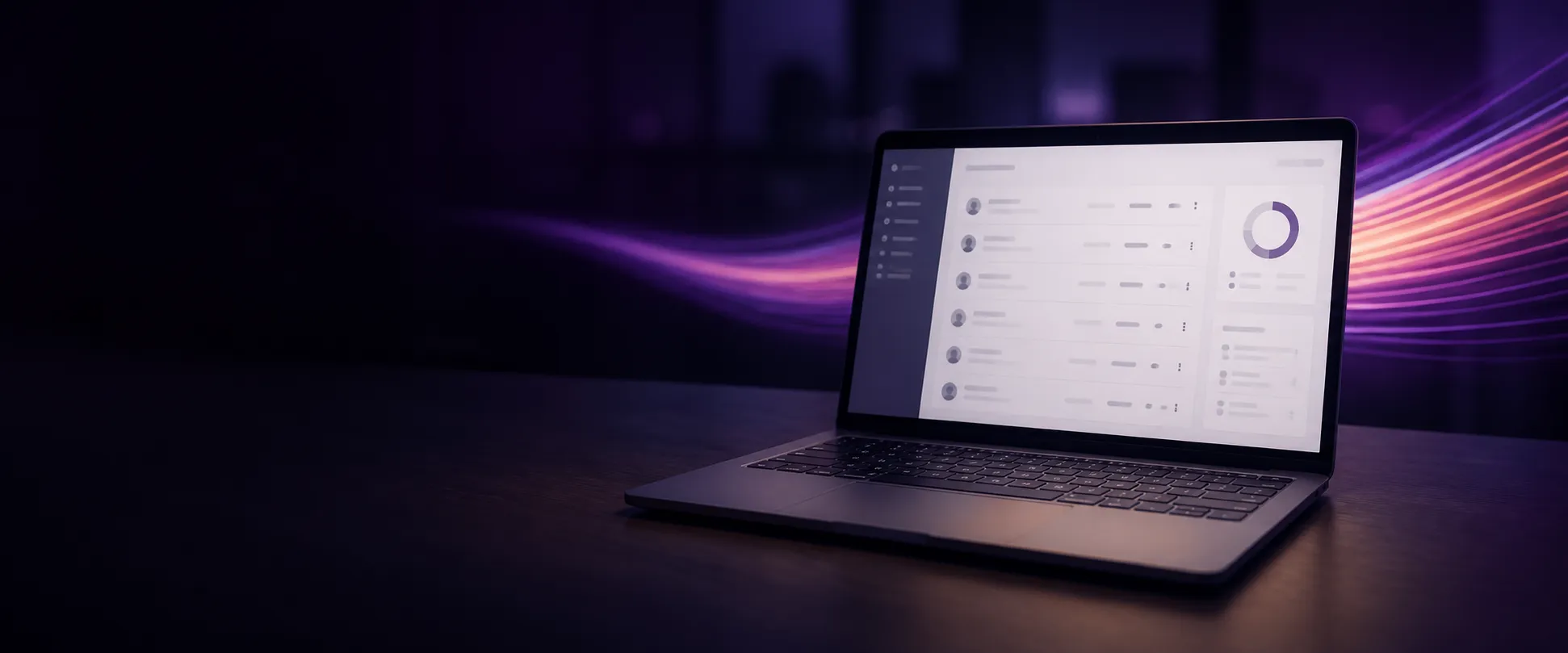
ONE PORTAL
Your Admin Portal
Use the portal to set up your mobile users as you would a traditional phone system.
You can manage users, create ring / hunt groups, set operational hours and listen to and / or download mobile call recordings, amongst other functionalities.
What our customers say
“Desktop app easy to use, good quality of calls, admin panel easy to manage, and good customer support.”
“Fantastic company with great staff who are flexible to your needs - which is important for me when choosing a product so key to our business.”
“Before we implemented PiPcall we had no way of measuring the outbound activity of our sales team. Sales strategy in this area was dictated by gut feel as opposed to data. ...”
“It's a great platform that does what we need when we need it. The technical support is second to none and with a very fast response - every time.”
“It allows people to see a landline for the business even though the office is not manned.”
SIM, eSIM or app — which one fits?
It usually comes down to the phones your team already carries:
- Company handsets you control — a Mobile+ SIM or eSIM
- People using their own phones — an eSIM alongside their personal line
- Devices you can’t change at all — the Mobile+ app
Tell us what the estate looks like and we’ll tell you which mix suits it, and what a rollout would involve. No obligation.
Contact Us
Put the business number on the phone they already carry.
Speak to our team about deploying Mobile+ across company handsets, personal devices, or both.