
SHARED TEAM NUMBER
Multiple users can display one, consistent number with Shared Team Number
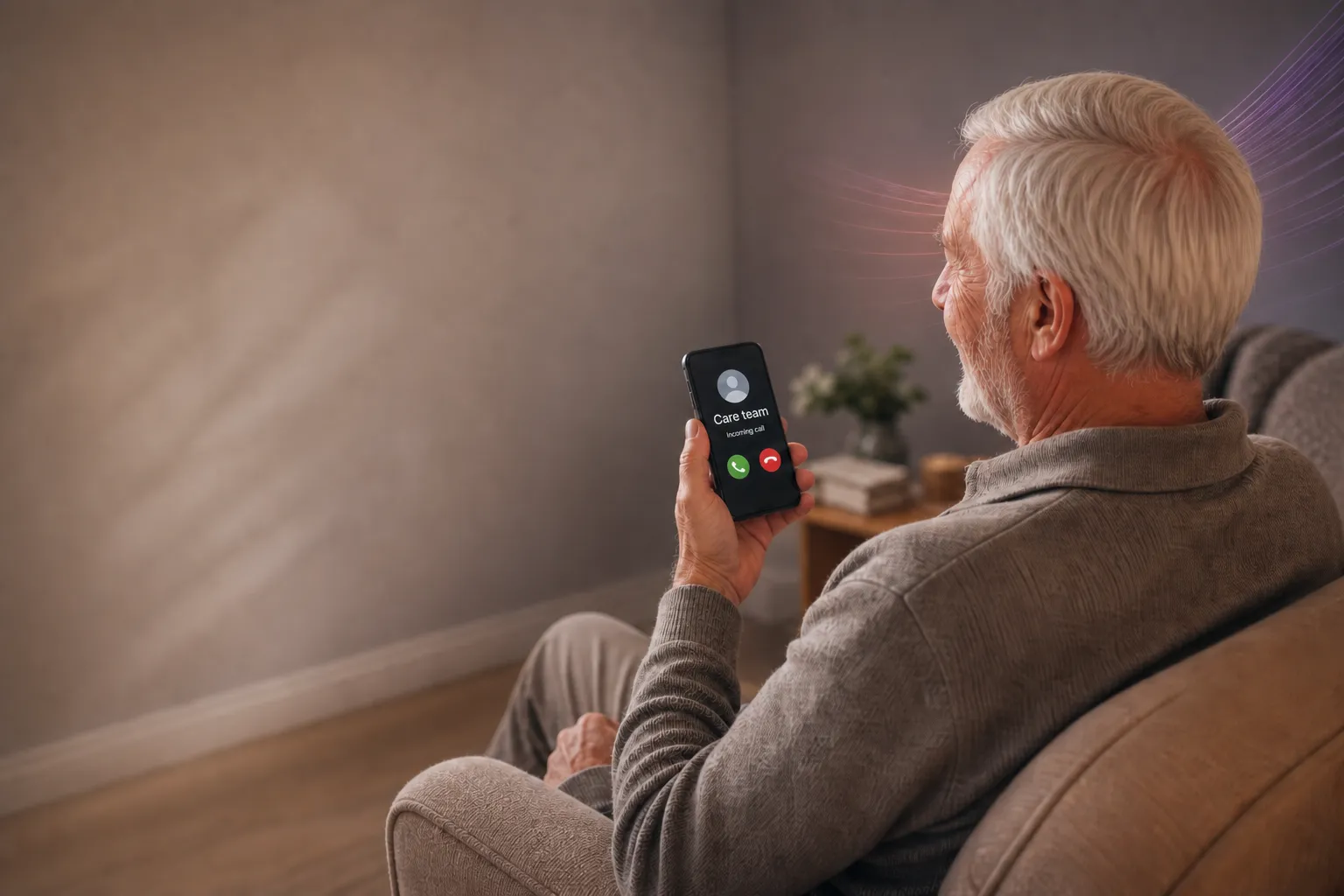
Your team do not need to share their numbers with the client, use one shared number that displays on the recipient’s phone.
REDEFINING THE MOBILE CALL
Introducing Shared Team Number with Mobile+
PiPcall is one of the UK’s foremost cloud UC service providers with over a decade of experience under its previous brand Teliqo.
Following a four-year investment programme we have developed our unique Mobile+ product because we felt critical business calling features should not come at the expense of call quality and resilience. That is why every call with Mobile+ is a native GSM call over the standard, reliable voice network – but with all of the bells and whistles of a full UC system.
One of the many Mobile+ features is Shared Team Number, giving teams the ability to have a single, consistent business number across multiple users.
Shared team number
One business number, no matter who makes the call.THE MOBILE VOICE NETWORK
Built on a dedicated business mobile network
Mobile+ connects mobile users into your business phone system through a dedicated business mobile network layer.
Whether users access Mobile+ by SIM, eSIM or app, business calls are connected through the mobile voice network — giving your team business phone system features without relying on standard app-based VoIP.

One number your whole team can use
No more sharing of personal numbers
A Shared Team Number enables employees to use their personal phones without revealing their personal numbers, maintaining privacy and security. This facilitates seamless communication without compromising personal information.
One trusted number
Clients can have confidence and trust when your staff call from the same, consistent number.
Handle calls in and out
Use advanced call flow tools to set rules for returned calls, you have a range of options on how to handle in-bound calls.
ANSWER EVERY CALL
Returned calls reach whoever is working

Direct returned calls based on a staff rota
When calls are returned to your shared number, you can let it ring as normal, ring many users or redirect it based on a staff rota.

Only call someone on an active shift
Clients will often ring back the last number they received; with Mobile+ you can redirect the call to someone who is actively working at the time.

Ring many users at once
With a ring group, many users ring at the same time or in turn, ensuring the call is answered.
BUSINESS FIRST
Centralise your customer contact
Employees using personal mobiles to contact customers and clients means lost data. Mobile+ ensures you take a business-first approach that puts you in control.
Secure your customer information
Mobile+ puts you in charge of your call records and analytics, with no more unknowns that come from staff using personal numbers.
Making life simple for your customer
Customers only ever need to remember or save one number, ensuring a clear and consistent channel to get in touch with you.
Part of the Mobile+ feature set

Shared Team Number
Your team all display the same consistent caller ID

Call Management
Calls are directed to the right person with call flow tools
Ring Group
Never miss important calls, ensure someone is always available to answer
Recording
Protect your staff, clients or customers with recording

Hold & Transfer
Hold and transfer native mobile calls directly from the app