

MOBILE UCAAS APP
The best mobile UCaaS app for on-the-go workforces
Mobile+ integrates high-quality calls made over the mobile voice network with an extensive range of business features, all delivered through an app.


THE MOBILE APP
More features. More flexibility. More connected.
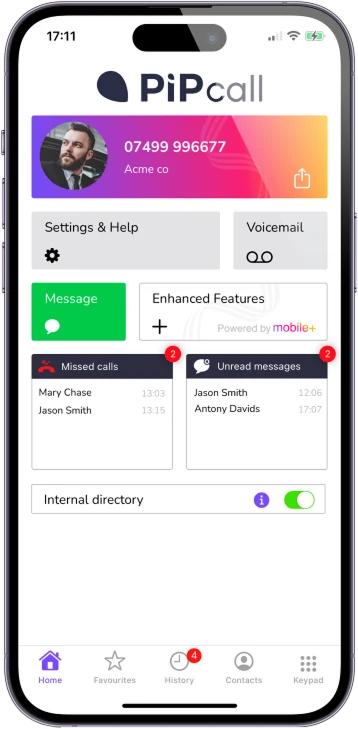
The Mobile+ App is one flexible way to connect field workers to Mobile+. It gives users business calling features, call control and central management from the mobile device they already use.









NO-COMPROMISE CALLING
Unlock your full potential with Mobile+ for business calling
Calls to and from Mobile+ are always over the mobile voice network. Our unique technology allows us to bridge the gap between resilient, high-quality calls and the features that a data connection can bring. At the same time you make a call from our app a short data message is sent to our cloud platform - this enables Mobile+ to do its magic.
Our technology allows us to enhance your native mobile voice network calls with advanced features such as call recording, transfers and real-time monitoring.
How a Mobile+ call is made
The app asks over data; the call itself runs on the mobile voice network.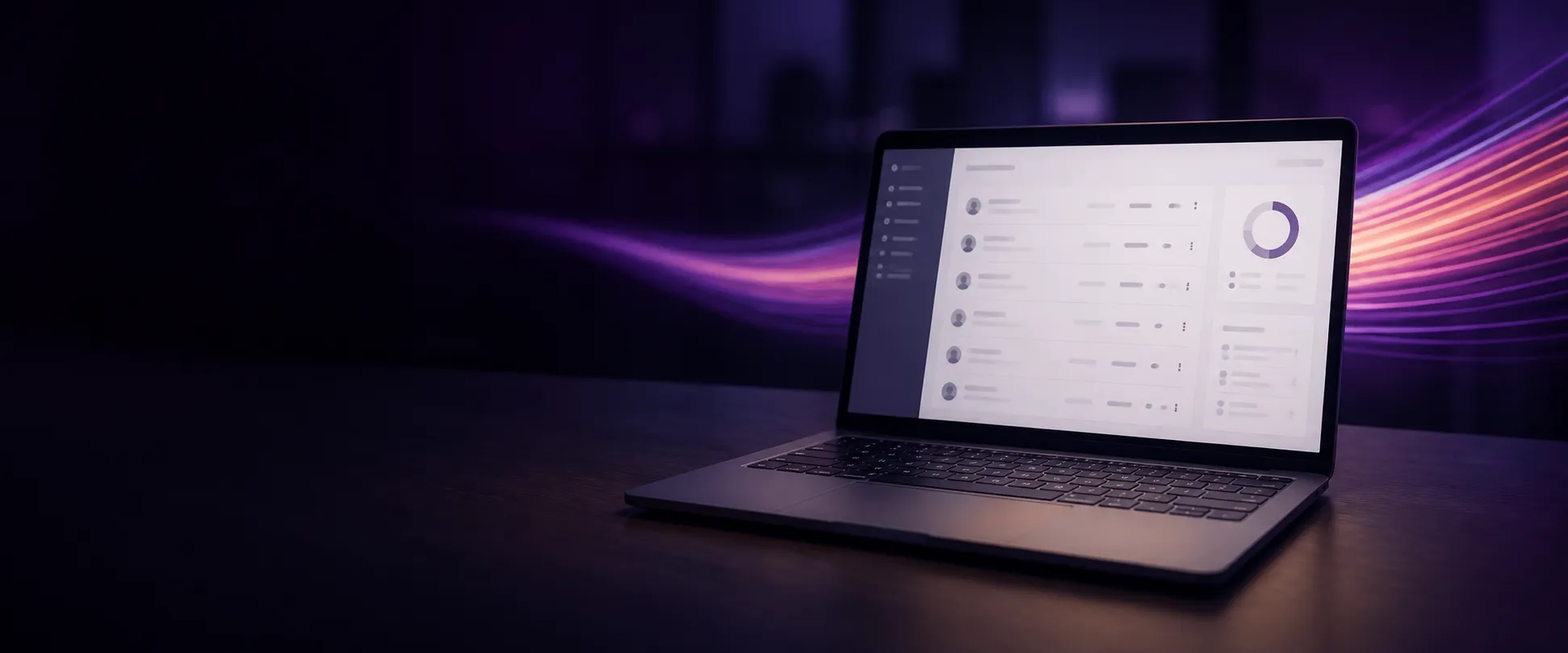
ONE PORTAL
Your Admin Portal
Use the portal to set up your mobile users as you would a traditional phone system.
You can manage users, create ring / hunt groups, set operational hours and listen to and / or download mobile call recordings, amongst other functionalities.
More ways to connect with Mobile+
The Mobile+ app is ideal when a SIM or eSIM change is not required, but it is not the only way to use Mobile+. Teams can also connect through SIM, eSIM, softphone and desk phone options — all part of the same Mobile+ business calling experience.
Mobile+ SIM
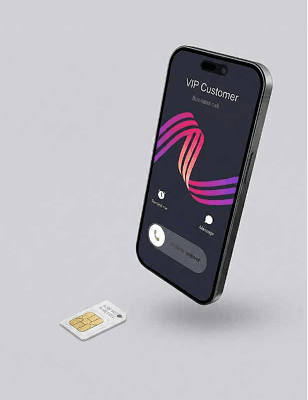
Business calling features built directly into a physical SIM - no additional equipment required.
Mobile+ eSIM
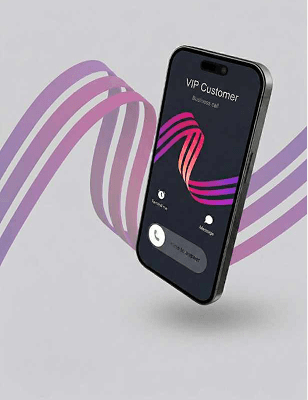
Business calling features built into an eSIM for compatible devices - no physical SIM swap needed.
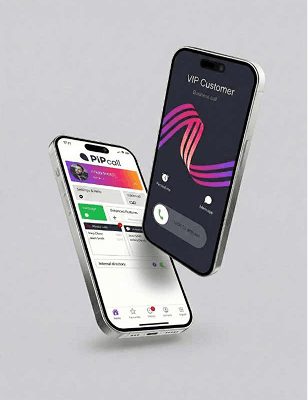
Mobile+ App
Access your business phone system through the Mobile+ app where a SIM change isn’t required.
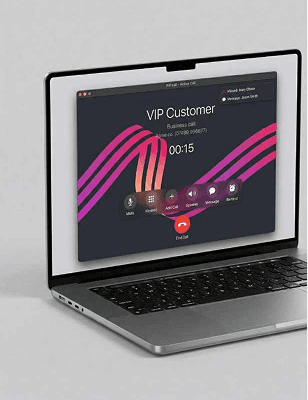
Softphone
Make and receive calls from your laptop or computer using a simple softphone app.
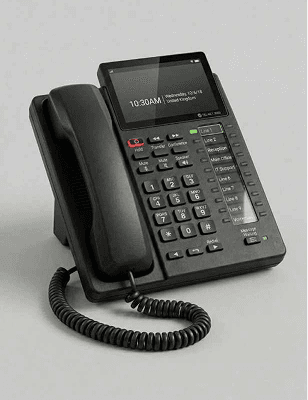
Desk phone
Integrates with most desk phones. It should be possible for us to switch your phone without physical interaction.
For SIM and eSIM users, calls are made through your phone’s native dialler, so the experience stays familiar. App users call over the same mobile voice network from a separate business number.

BYOD FRIENDLY
Works on the phones your team already loves
Keep business in one app. Work stays separate and never interferes with personal use.
Faster adoption
Teams start instantly on mobiles they know, boosting confidence and productivity.
Seamless professionalism
Staff keep personal numbers private while presenting a consistent business identity on every call.
Lower costs
Employees use phones they already own, saving the business money and reducing device clutter.
Flexibility for teams
Employees stay connected and businesses stay responsive as one team.
What our customers say
“Desktop app easy to use, good quality of calls, admin panel easy to manage, and good customer support.”
“Fantastic company with great staff who are flexible to your needs - which is important for me when choosing a product so key to our business.”
“Before we implemented PiPcall we had no way of measuring the outbound activity of our sales team. Sales strategy in this area was dictated by gut feel as opposed to data. ...”
“It's a great platform that does what we need when we need it. The technical support is second to none and with a very fast response - every time.”
“It allows people to see a landline for the business even though the office is not manned.”
The app that separates business calling from your personal phone
One app on the phone they already own, with the business side kept entirely to itself:
- A separate business number on the same handset — personal numbers stay private on every call
- Business calls, voicemail and call recording stay under company control; personal use stays personal
- Work lives in one app, so it never interferes with the rest of the phone
And it works on phones you don’t control — contractors, subcontractors, BYOD users — because nothing about the handset has to change. Tell us whose phones you are working with and we will tell you what a rollout involves.
Contact Us
Complete the form and we’ll contact you to discuss your setup and the best Mobile+ option for your team. No obligation.
Put the business phone system on the phone they already carry.
See the full set of calling and phone system features Mobile+ brings to the phones your team already uses.